
Stay Connected
Determine the equipment that requires battery back-up
We recommend that you start with your modem and router as they provide the essential internet connection all your other devices need to function. Next add computers, smart home devices, gaming consoles, and entertainment systems.
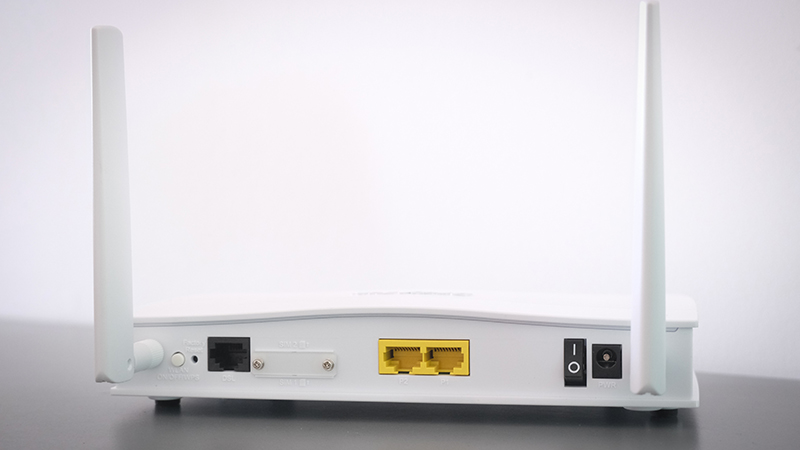

Consider where equipment is located
Is your equipment one place close enough together to plug into one UPS? Is your equipment in multiple locations requiring multiple UPS units? Do you have a dedicated network closet in your home where you can install a rackmounted UPS?
Determine the size of the UPS you will need to protect at each location
UPS size is determined by the power draw of the equipment plugged into it and how long you require the equipment to run on battery power.
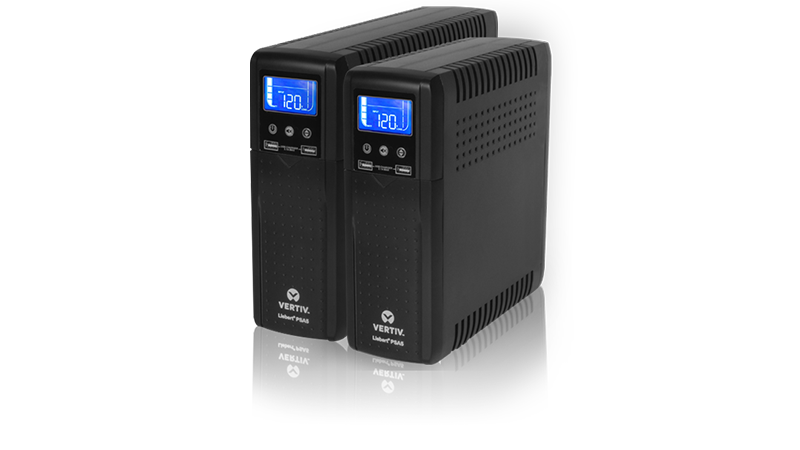

Calculate power draw
A UPS system's output capacity is the maximum power it can supply in battery mode to support connected equipment. It is typically measured in volt-amperes (VA). The capacity of the UPS must be at least as large as the total power required by the connected equipment or it will experience an overload and be unable to support the equipment during an outage.
To estimate power capacity requirements, add up the wattage of the devices you plan to connect to the UPS. Refer to the nameplate or manufacturer's documentation for each device to find its wattage. If output is listed in amps, multiply by the nominal AC voltage to estimate wattage.
UPS systems designed for home and office use are in the 300 to 1,500 VA range, allowing them to plug into standard household outlets. This is also a function of the type and quantity of equipment that is likely to be connected. For example, an energy-efficient desktop computer may only require 60 watts.
Key Points: To leave a margin for error and fluctuating power demands during operation, select a UPS with an output capacity (VA) rating 20% higher than the estimated power requirements of your connected equipment. Also consider whether you want to leave room for future expansion. Still have questions? Talk to a specialist.